

⌘K
For Everyone
Account and Dashboard
Sign up, create your organization, and find your way around the dashboard
Sign Up
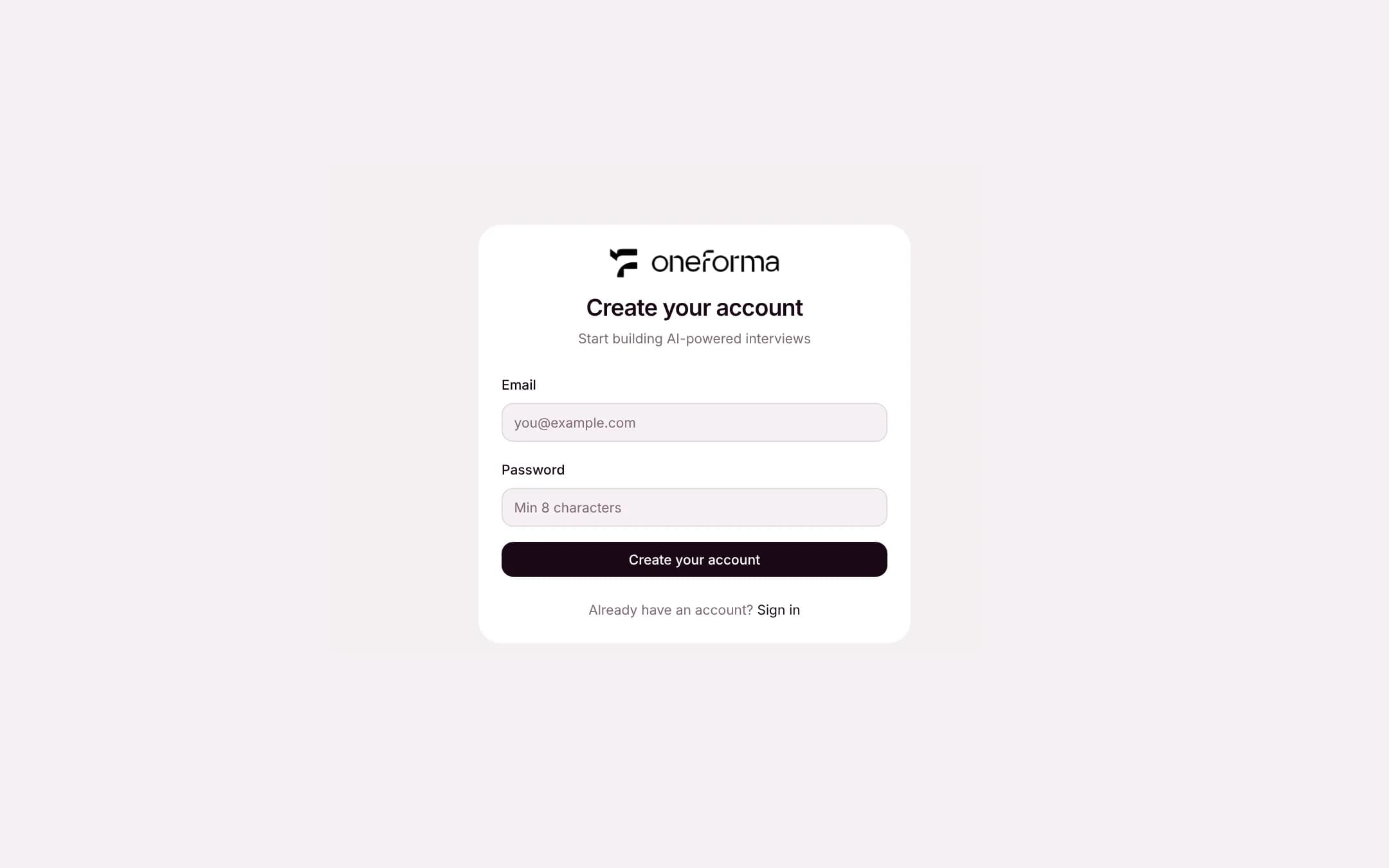
Go to /register and enter your email and a password.
1
Create or join an organization
Organizations manage your projects and team members. A personal organization is created when you sign up; you can also join an existing one by invitation.
2
Create your first project
Projects hold your interviews, sessions and question library.
Dashboard
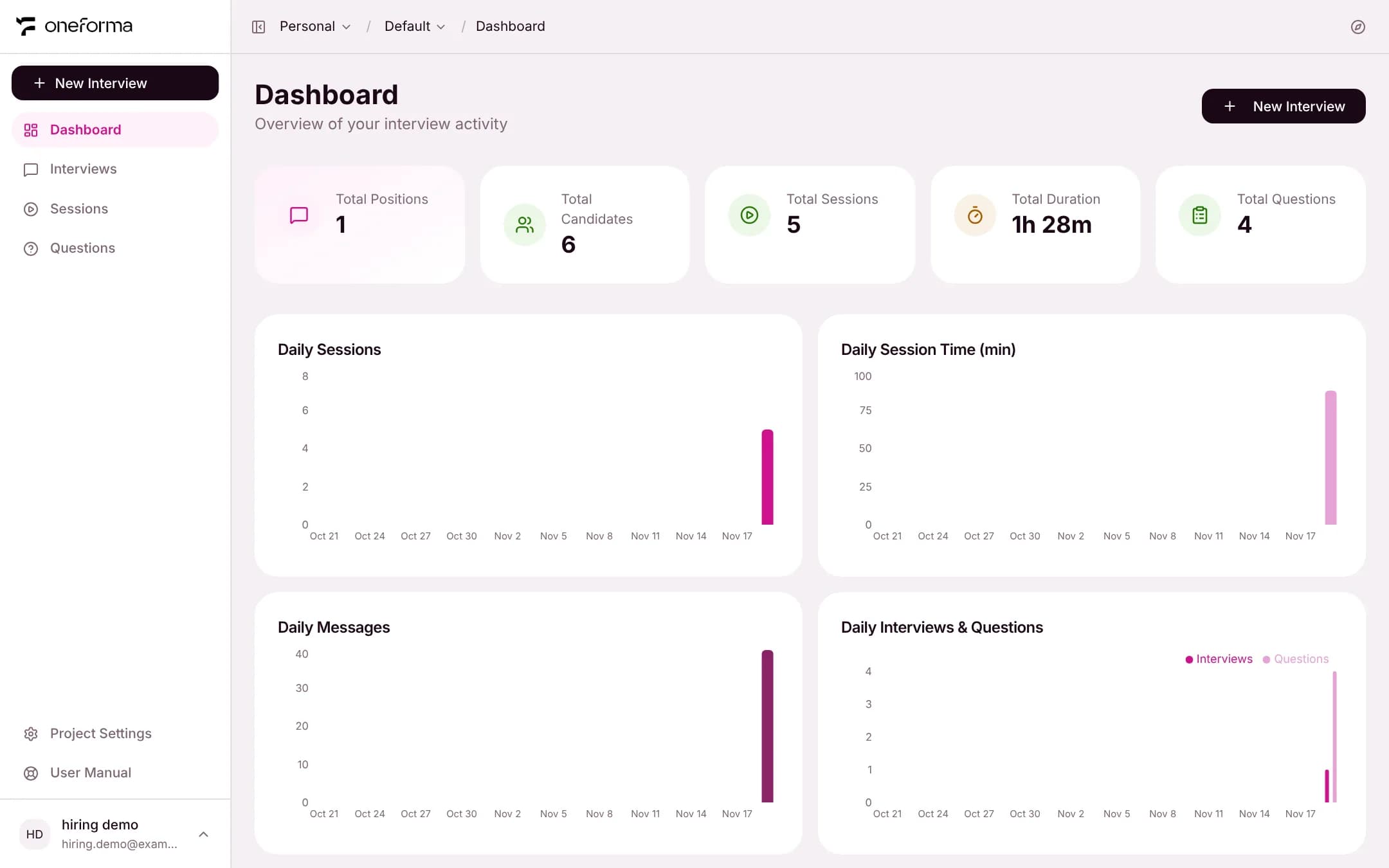
The dashboard is your home page after signing in. It shows totals for positions, candidates, sessions, duration and questions, and daily trends for sessions and messages.
Sidebar Navigation
- Dashboard — activity overview
- Interviews — create and manage interviews
- Sessions — every interview session, across interviews
- Questions — the questions the AI has asked in interviews
Other Entries
- Project Settings — manage project defaults and workspace configuration
- User Manual — opens this documentation
Switching Projects
Use the breadcrumb at the top of the page to switch organization and project. Each project has its own interviews, sessions and settings.